Our JD-08 Banks Now Work On EVERY Roland Synth Related To The JD Series!
You heard it here first!
After a considerable amount of elbow grease, caffeine, and 3rd party validation, we can now proudly say our JD-08 Soundsets include usable bank files for:
The Usual Suspects JADE VSTi
So no matter what flavor of Roland JD synth you’re using, or what platform you’re using it on, our soundbanks work on all of them!
Enjoy, everyone!
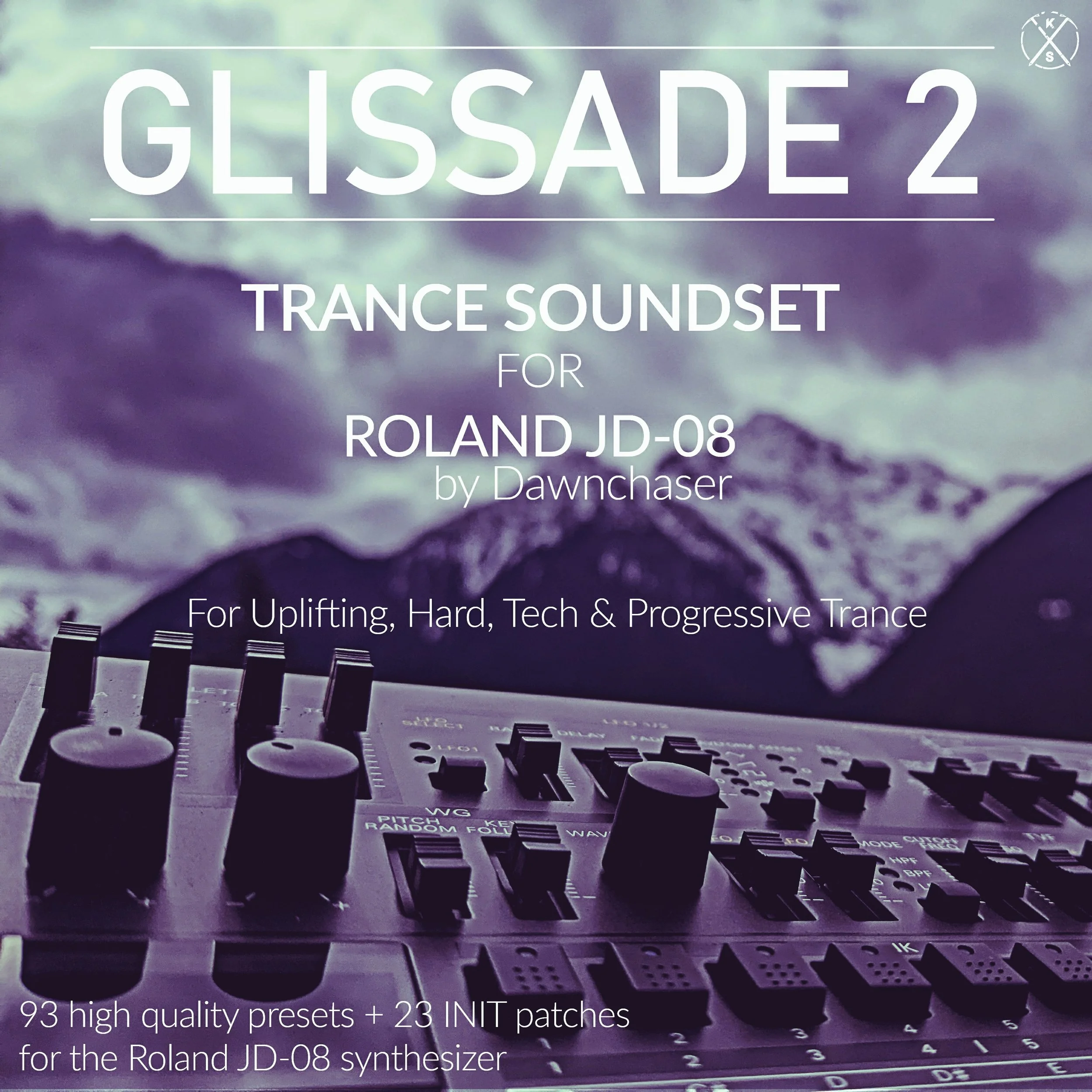
93 uplifting Trance presets, compatible with the Roland JD-08, JD-800, JD-990, Juno-X, Jupiter-X, Jupiter-Xm, Fantom EX Series, GO:KEYS 3/5, Zenology Pro, Zenology GX, JADE, and JD-800 Cloud VST. This soundbank is 100% Trance-oriented, which means no weird brass, pianos, or FX. Presets in Glissade 2 are based on famous sounds from songs by big artists of the 90s, 2000s, 2010s, and 2020s. This soundbank uses the full capabilities of the JD-08, exploiting its classic PCM samples, 4-Tone layer architecture, and complex envelopes to recreate the massive, heavy sound of the JD-800.
Patches in Glissade 2 are based on sounds from songs by the likes of DuMonde, Cosmic Gate, Ace Da Brain, ATB, Mike Koglin, Paul van Dyk, Vengeance, Solarstone, Activa, ReOrder, Vincent De Moor, Giuseppe Ottaviani, Mauro Picotto, Ilan Bluestone, Sol 7, Rank 1, and many many more!
And to cap off the bank some patches were set to INIT, so you have room to write and store your own patches without overwriting any existing sounds!
Only 3rd party FX used on these sounds was Virus TI2 reverb.
Sounds in this preset pack are suitable for the Uplifting Trance, Hard Trance, Tech Trance, Progressive Trance, and Classic Trance genres, and are organized by category into Leads, Plucks, Pads, Acid sounds, and Basses, for quick reference
Studio Tip: Stack presets in multitimbral mode to achieve even bigger sounds
All patches are royalty-free and delivered instantly via email as a 24-hour download link
Requirements: Roland JD-08 synthesizer
Pack includes bank files compatible with the Roland Cloud JD-800 VSTi, Roland Zenology Pro VSTi, Roland Zenology GX VSTi, The Usual Suspects JADE VSTi, and JD-800**, JD-990**, Fantom EX Series*, GO:KEYS 3/5, Juno-X*, Jupiter-X*, and Jupiter-Xm* hardware synthesizers
*JD-800 Model Expansion required
**Sounds using the JD-08 Unison feature will be missing the Unison sound present on some of the patches in the demos, on the JD-800 and JD-990.
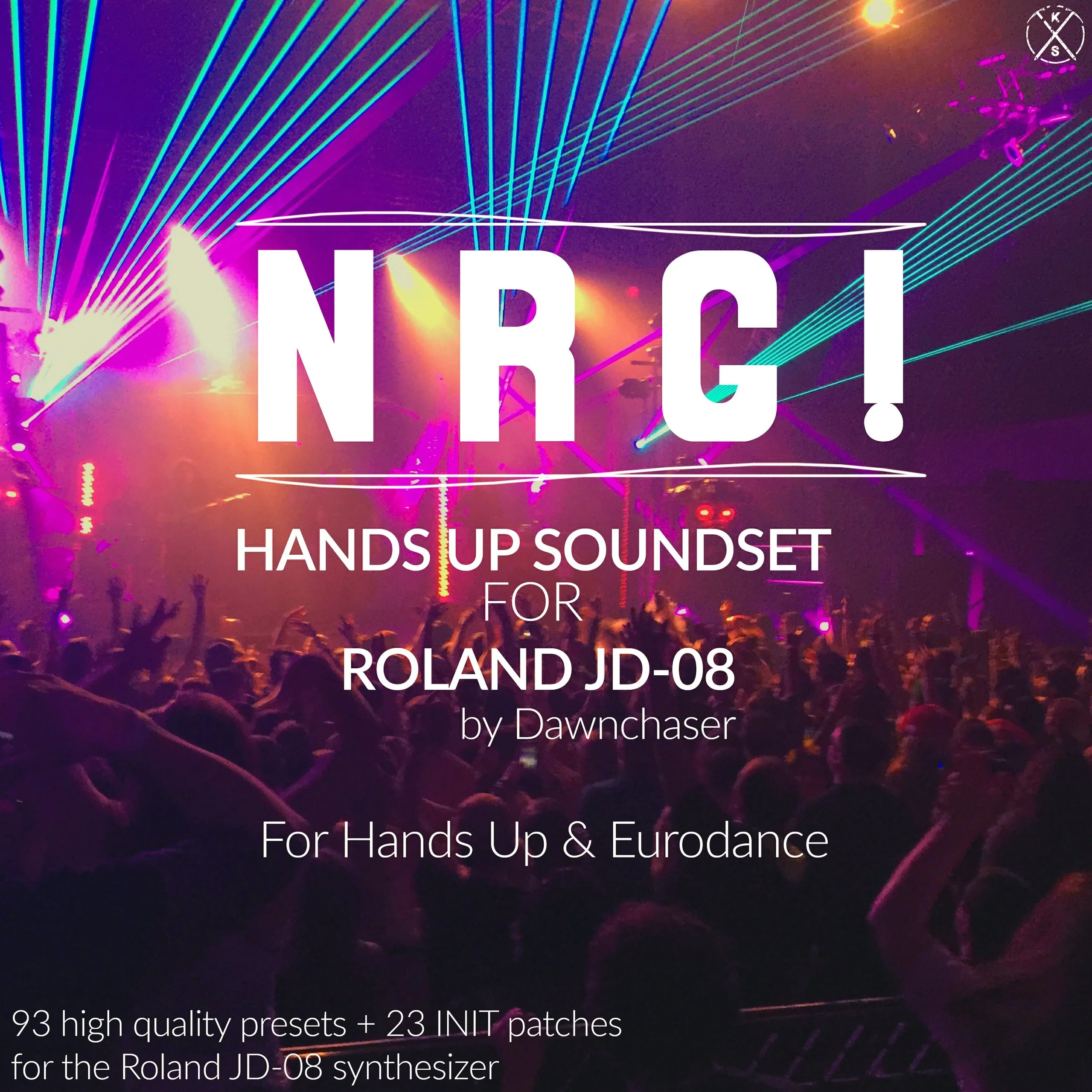
93 high-energy Hands Up and Eurodance presets, compatible with the Roland JD-08, JD-800, JD-990, Juno-X, Jupiter-X, Jupiter-Xm, Fantom EX Series, GO:KEYS 3/5, Zenology Pro, Zenology GX, JADE, and JD-800 Cloud VST. This soundbank is 100% Hands Up and Eurodance-oriented, which means no weird brass, pianos, or FX. Presets in N R G! are based on famous sounds from songs by big artists of the 90s, and 2000s. This soundbank uses the full capabilities of the JD-08, exploiting its classic PCM samples, 4-Tone layer architecture, and complex envelopes to recreate the massive, heavy sound of the JD-800.
Patches in N R G! are based on sounds from songs by the likes of Tune Up!, Pimp! Code, Rocco, Sven-R-G vs Bass-T, Gabry Ponte, E-Rotic, Vengaboys, Plazmatek, Smile, Pulsedriver, Scarf!, Basshunter, Floorfilla, Axel Konrad, Ray Knox, Waveliner, Novaspace, Rob Mayth, Mark ‘Oh, Groove Coverage, Verano, and many many more!
And to cap off the bank some patches were set to INIT, so you have room to write and store your own patches without overwriting any existing sounds!
Only 3rd party FX used on these sounds was Virus TI2 reverb and delay.
Sounds in this preset pack are suitable for the Hands Up and Eurodance genres, and are organized by category into Leads, Plucks, Pads, Acid sounds, and Basses, for quick reference
Studio Tip: Stack presets in multitimbral mode to achieve even bigger sounds
Studio Tip 2: Study the instructions in the included README about how to set up the LFO for maximum patch performance
All patches are royalty-free and delivered instantly via email as a 24-hour download link
Requirements: Roland JD-08 synthesizer
Pack includes bank files compatible with the Roland Cloud JD-800 VSTi***,Roland Zenology Pro VSTi***, Roland Zenology GX VSTi***, The Usual Suspects JADE VSTi, and JD-800**, JD-990**, Fantom EX Series*, GO:KEYS 3/5, Juno-X*, Jupiter-X*, and Jupiter-Xm* hardware synthesizers
*JD-800 Model Expansion required
**Sounds using the JD-08 Unison feature will be missing the Unison sound present on some of the patches in the demos, on the JD-800 and JD-990.
***some buzzer-lead style patches may sound different on the VSTi plugin due to technical limitations in the plugin that cannot be compensated for. We will try our best to resolve this, and will post a public update and send free copies of the updated banks if and when the issue is fixed.
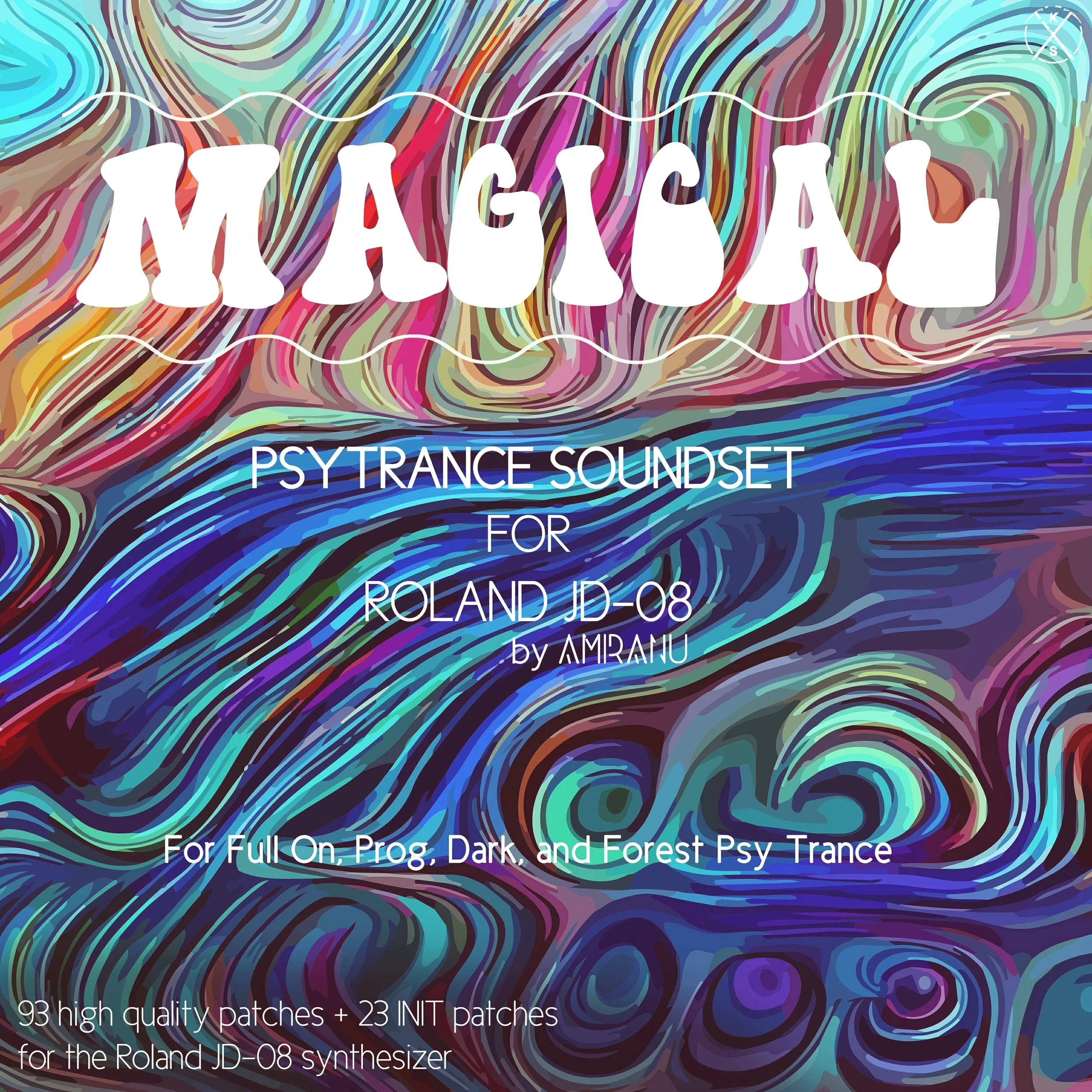
93 hypnotic Psytrance presets, compatible with the Roland JD-08, JD-800, JD-990, Juno-X, Jupiter-X, Jupiter-Xm, Fantom EX Series, GO:KEYS 3/5, Zenology Pro, Zenology GX, JADE, and JD-800 Cloud VST. This soundbank is 100% Psytrance-oriented, which means no weird brass or pianos. Presets in Magical are based on famous sounds from songs by big artists of the 90s, 2000s, 2010s, and 2020s. This soundbank uses the full capabilities of the JD-08, exploiting its classic PCM samples, 4-Tone layer architecture, and complex envelopes to recreate the massive, heavy sound of the JD-800.
Patches in Magical are based on sounds from songs by the likes of Infected Mushroom, Vini Vici, Ovnimoon, Ace Ventura, Phaxe, Querox, Astrix, Ajja, Zyce, Liquid Soul, Invisible Reality, E-Clip, Blisargon Demogorgon, Zaiklophobia, Organic Hybrid, and many many more!
And to cap off the bank some patches were set to INIT, so you have room to write and store your own patches without overwriting any existing sounds!
Only 3rd party FX used on these sounds was Virus TI2 reverb.
Sounds in this preset pack are suitable for the Full On Psytrance, Progressive Psytrance, Dark Psytrance, and Forest Psytrance genres, and are organized by category into Leads, Plucks, Pads, Acid sounds, and Basses, for quick reference
Studio Tip: Stack presets in multitimbral mode to achieve even bigger sounds
All patches are royalty-free and delivered instantly via email as a 24-hour download link
Requirements: Roland JD-08 synthesizer
Pack includes bank files compatible with the Roland Cloud JD-800 VSTi, Roland Zenology Pro VSTi, Roland Zenology GX VSTi, The Usual Suspects JADE VSTi, and JD-800**, JD-990**, Fantom EX Series*, GO:KEYS 3/5, Juno-X*, Jupiter-X*, and Jupiter-Xm* hardware synthesizers
*JD-800 Model Expansion required
**Sounds using the JD-08 Unison feature will be missing the Unison sound present on some of the patches in the demos, on the JD-800 and JD-990.

94 groovy House presets, compatible with the Roland JD-08, JD-800, JD-990, Juno-X, Jupiter-X, Jupiter-Xm, Fantom EX Series, GO:KEYS 3/5, Zenology Pro, Zenology GX, JADE, and JD-800 Cloud VST. This soundbank is 100% House-oriented, which means no weird brass, pianos, or FX. Presets in Movin’ are based on famous sounds from songs by big artists of the 90s, 2000s, 2010s, and 2020s. This soundbank uses the full capabilities of the JD-08, exploiting its classic PCM samples, 4-Tone layer architecture, and complex envelopes to recreate the massive, heavy sound of the JD-800.
Patches in Movin’ are based on sounds from songs by the likes of Deadmau5, Tiesto, FISHER, Kygo, Robin Schulz, Axwell, Booka Shade, Swedish House Mafia, Hardwell, David Guetta, Martin Garrix, Wolfgang Gartner, Le Castle Vania, Porter Robinson, ZHU, Benassi Bros, and many many more!
And to cap off the bank some patches were set to Initial, so you have room to write and store your own patches without overwriting any existing sounds!
Only 3rd party FX used in the demos was Virus TI2 reverb applied to some Leads, Pads, and Plucks. All other FX are 100% from the JD-08.
Sounds in this preset pack are suitable for the Progressive House, Deep House, Tech House, Bigroom House, and Electro House genres, and are organized by category into Leads, Plucks, Pads, and Basses, for quick reference
Studio Tip: Stack presets in multitimbral mode to achieve even bigger sounds
All patches are royalty-free and delivered instantly via email as a 24-hour download link
Requirements: Roland JD-08 synthesizer
Pack includes bank files compatible with the Roland Cloud JD-800 VSTi, Roland Zenology Pro VSTi, Roland Zenology GX VSTi, The Usual Suspects JADE VSTi, and JD-800**, JD-990**, Fantom EX Series*, GO:KEYS 3/5, Juno-X*, Jupiter-X*, and Jupiter-Xm* hardware synthesizers
*JD-800 Model Expansion required
**Sounds using the JD-08 Unison feature will be missing the Unison sound present on some of the patches in the demos, on the JD-800 and JD-990.
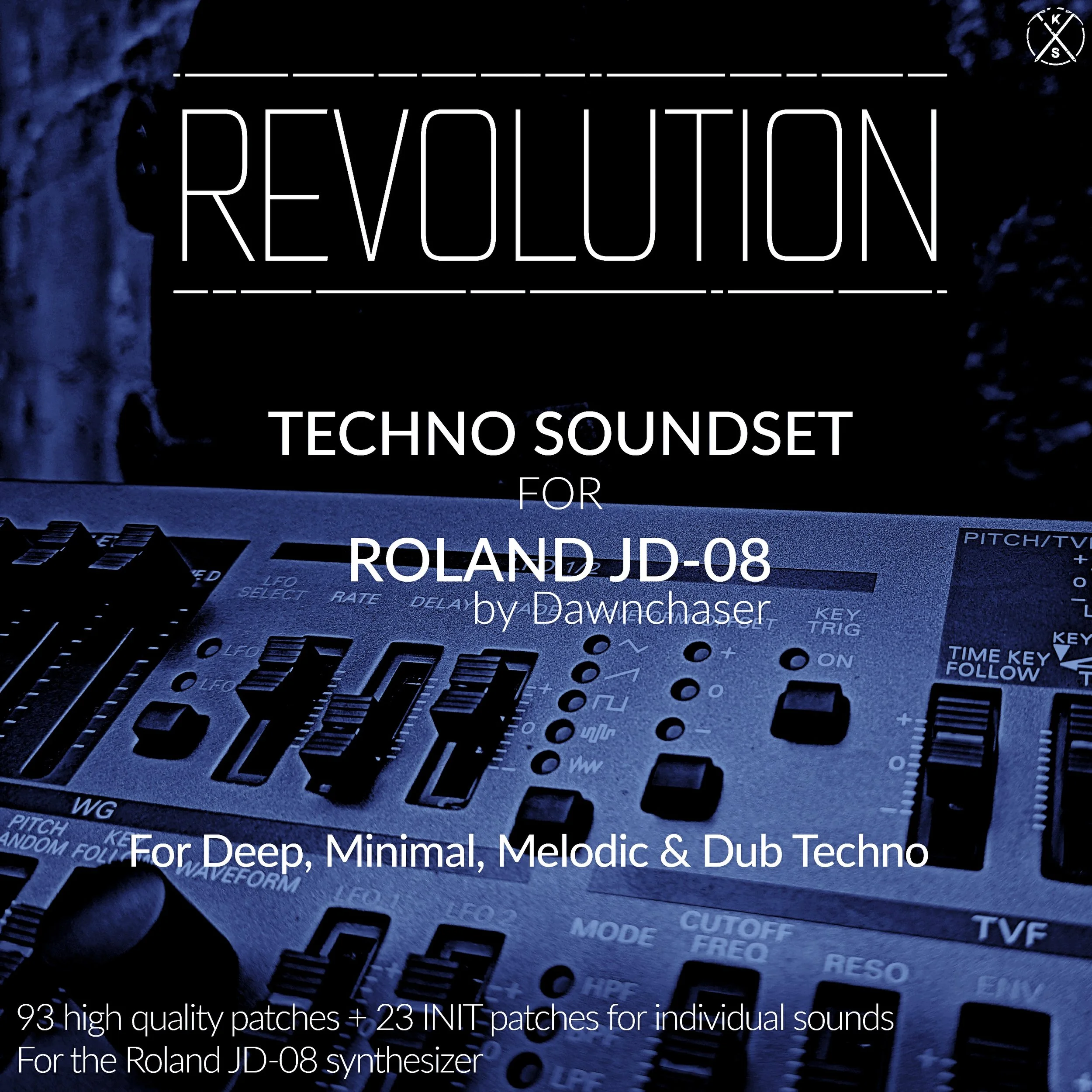
93 driving Techno presets, compatible with the Roland JD-08, JD-800, JD-990, Juno-X, Jupiter-X, Jupiter-Xm, Fantom EX Series, GO:KEYS 3/5, Zenology Pro, Zenology GX, JADE, and JD-800 Cloud VST. This soundbank is 100% Techno-oriented, which means no weird brass, pianos, or FX. Presets in Revolution are based on famous sounds from songs by big artists of the 90s, 2000s, 2010s, and 2020s. This soundbank uses the full capabilities of the JD-08, exploiting its classic PCM samples, 4-Tone layer architecture, and complex envelopes to recreate the massive, heavy sound of the JD-800.
Patches in Revolution are based on sounds from songs by the likes of Boris Brejcha, Rødhåd, Ann Clue, Tale Of Us, Argy & Goom Gum, KAS:ST, Adriatique, Stephan Bodzin, Ben Böhmer, Allan Alks, OutpostLive, Richie Hawtin, Inellea, Woo York, CamelPhat, Convextion, Dycide, ARTBAT, and many many more!
And to cap off the bank some slots were set to INIT, so you have room to write and store your own sounds without overwriting any existing presets!
Only 3rd party FX used in this video was Virus TI2 reverb, on the leads, pads, and plucks.
Sounds in this preset pack are suitable for the Melodic Techno, Deep Techno, Dub Techno, and Minimal Techno genres, and are organized by category into Leads, Plucks, Pads, Acid sounds, and Basses, for quick reference
Studio Tip: Stack presets in multitimbral mode to achieve even bigger sounds
All patches are royalty-free and delivered instantly via email as a 24-hour download link
Requirements: Roland JD-08 synthesizer
Pack includes bank files compatible with the Roland Cloud JD-800 VSTi, Roland Zenology Pro VSTi, Roland Zenology GX VSTi, The Usual Suspects JADE VSTi, and JD-800**, JD-990**, Fantom EX Series*, GO:KEYS 3/5, Juno-X*, Jupiter-X*, and Jupiter-Xm* hardware synthesizers
*JD-800 Model Expansion required
**Sounds using the JD-08 Unison feature will be missing the Unison sound present on some of the patches in the demos, on the JD-800 and JD-990.
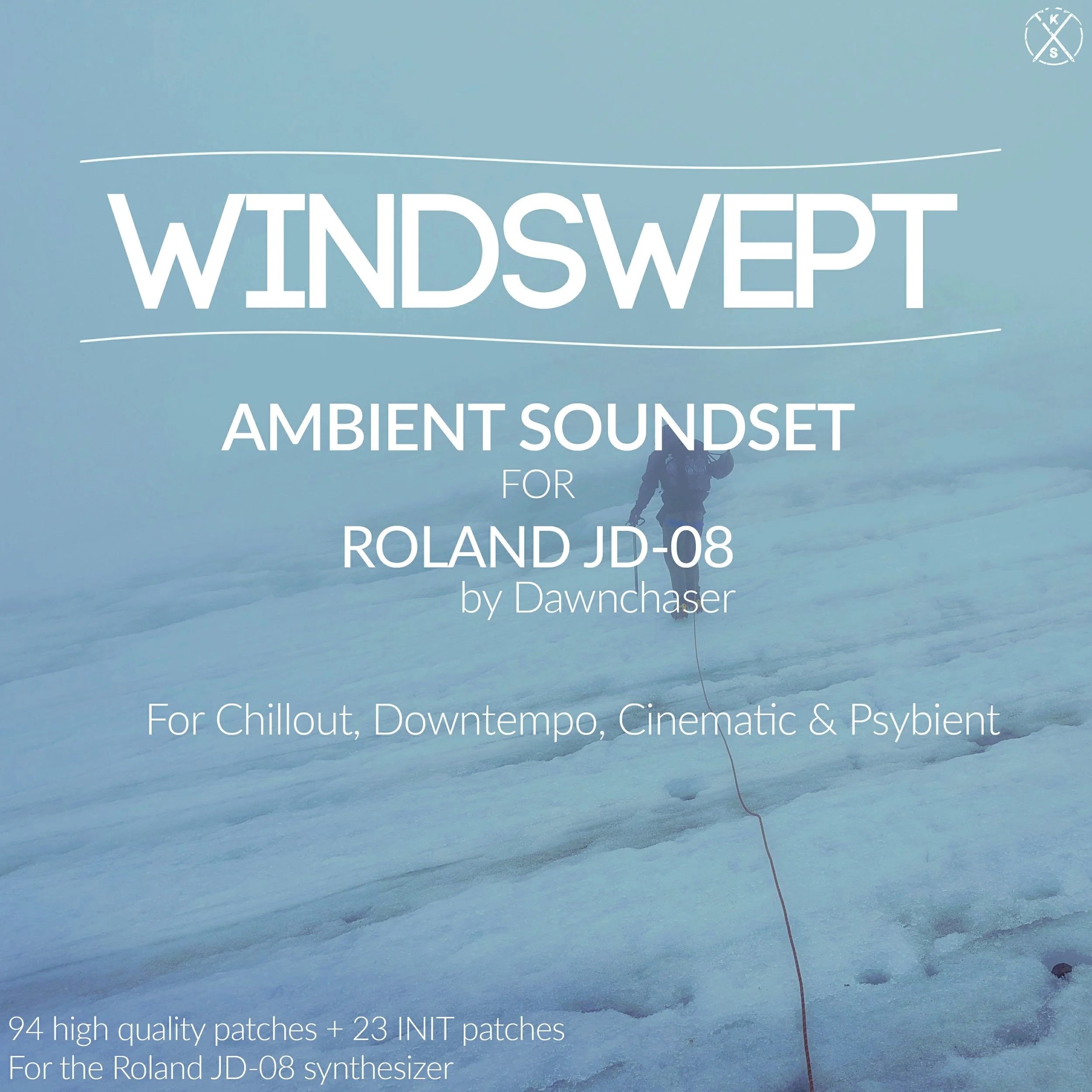
94 lush Ambient presets, compatible with the Roland JD-08, JD-800, JD-990, Juno-X, Jupiter-X, Jupiter-Xm, Fantom EX Series, GO:KEYS 3/5, Zenology Pro, Zenology GX, JADE, and JD-800 Cloud VST. This soundbank is 100% Ambient-oriented, which means no weird brass, Trance sounds, or Techno patches. Presets in Windswept are based on famous sounds from songs by big artists of the 70s, 80s, 90s, 2000s, 2010s, and 2020s. This soundbank uses the full capabilities of the JD-08, exploiting its classic PCM samples, 4-Tone layer architecture, and complex envelopes to recreate the massive, majestic sound of the JD-800.
Patches in Windswept are based on sounds from songs by the likes of Boards of Canada, Tycho, Dawnchaser, Massive Attack, Amiranu, Nightmares On Wax, All India Radio, Tangerine Dream, The Orb, Shpongle, Trentemøller, Angelo Badalamenti, Brian Eno, Entheogenic, We Are All Astronauts, Hans Zimmer, and many many more!
And to cap off the bank some patches were set to Initial, so you have room to write and store your own patches without overwriting any existing sounds!
Only 3rd party FX used in the demos was Virus TI2 reverb applied to some Leads, Pads, and Plucks. All other FX are 100% from the JD-08.
Sounds in this preset pack are suitable for the Ambient, Chillout, Downtempo, Psybient, and Cinematic Soundscape genres, and are organized by category into Leads, Plucks, Pads, and Basses, for quick reference
Studio Tip: Stack presets in multitimbral mode to achieve even bigger sounds
All patches are royalty-free and delivered instantly via email as a 24-hour download link
Requirements: Roland JD-08 synthesizer
Pack includes bank files compatible with the Roland Cloud JD-800 VSTi, Roland Zenology Pro VSTi, Roland Zenology GX VSTi, The Usual Suspects JADE VSTi, and JD-800**, JD-990**, Fantom EX Series*, GO:KEYS 3/5, Juno-X*, Jupiter-X*, and Jupiter-Xm* hardware synthesizers
*JD-800 Model Expansion required
**Sounds using the JD-08 Unison feature will be missing the Unison sound present on some of the patches in the demos, on the JD-800 and JD-990.
“If you’re influenced by the likes of Massive Attack, Boards of Canada, Tangerine Dream, Angelo Badalamenti and the like, this bank is right up your ambient alleyway!” - Rob Puricelli, GearNews
tags / jd-08 tips, JD-800 presets, jd-08 good for trance, JD-08 tips, JD-08 presets compatible with JD-800, jd-990, JD-990 presets, Jupiter-Xm, Jupiter Xm, presets for Jupiter-X, Jupiter-X, Jupiter X, juno x, presets for Juno-X, presets for JD-990, Zenology Pro, ZenCore, Zenology Pro soundsets, Zenology Pro presets, Zenology GX presets, fantom ex presets, fantom ex series trance presets
93 uplifting Trance presets, compatible with the Roland JD-08, JD-800, JD-990, Juno-X, Jupiter-X, Jupiter-Xm, Fantom EX Series, GO:KEYS 3/5, Zenology Pro, Zenology GX, JADE, and JD-800 Cloud VST. This soundbank is 100% Trance-oriented, which means no weird brass, pianos, or FX. Presets in Glissade are based on famous sounds from songs by big artists of the 90s, 2000s, 2010s, and 2020s. This soundbank uses the full capabilities of the JD-08, exploiting its classic PCM samples, 4-Tone layer architecture, and complex envelopes to recreate the massive, heavy sound of the JD-800.
Patches in Glissade are based on sounds from songs by the likes of DuMonde, Gaia, Ace Da Brain, ATB, Robert Nickson, Paul van Dyk, Faithless, BT, Airbase, The Thrillseekers, Woody Van Eyden, Mike Koglin, Alex M.O.R.P.H., Marcel Woods, Voodoo & Serano, Kai Tracid, and many many more!
And to cap off the bank some patches were set to INIT, so you have room to write and store your own patches without overwriting any existing sounds!
Only 3rd party FX used on these sounds was Virus TI2 reverb.
Sounds in this preset pack are suitable for the Uplifting Trance, Hard Trance, Tech Trance, Progressive Trance, and Classic Trance genres, and are organized by category into Leads, Plucks, Pads, Acid sounds, and Basses, for quick reference
Studio Tip: Stack presets in multitimbral mode to achieve even bigger sounds
All patches are royalty-free and delivered instantly via email as a 24-hour download link
Requirements: Roland JD-08 synthesizer
Pack includes bank files compatible with the Roland Cloud JD-800 VSTi, Roland Zenology Pro VSTi, Roland Zenology GX VSTi, The Usual Suspects JADE VSTi, and JD-800**, JD-990**, Fantom EX Series*, GO:KEYS 3/5, Juno-X*, Jupiter-X*, and Jupiter-Xm* hardware synthesizers
*JD-800 Model Expansion required
**Sounds using the JD-08 Unison feature will be missing the Unison sound present on some of the patches in the demos, on the JD-800 and JD-990.